
Overview
The developer portal is where you build and test an integration with the Healthier Business Compliance Hub before anything touches real candidates. It has two halves that work together:
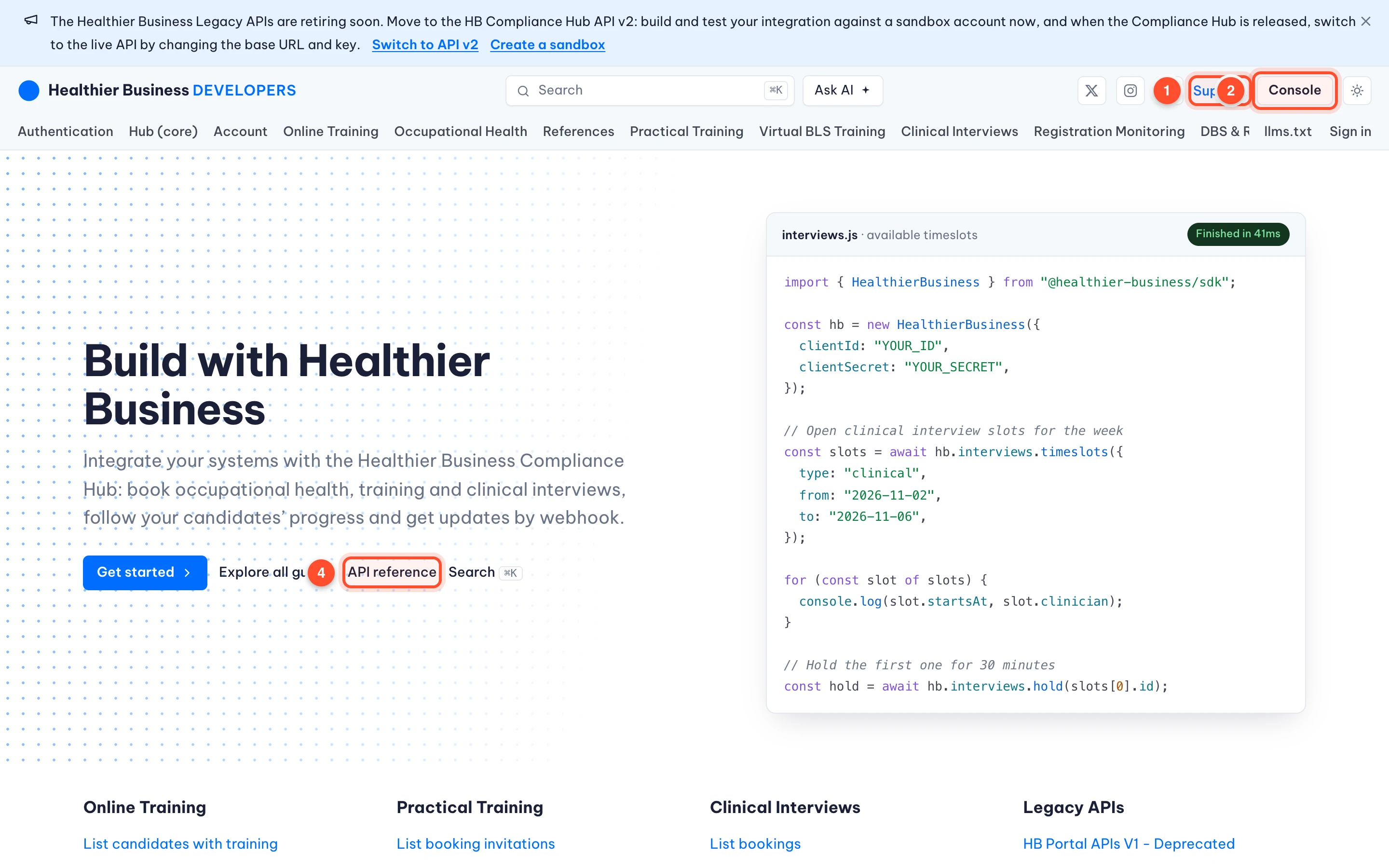
The developer site (the page you are reading): the guides, the API reference, search, the changelog and the support form. Anyone can read it.
The console (you need an account): your own sandboxes, API keys, webhooks, the API Playground, a request log and an inbox. This is where you try things.
This guide walks through every screen of the console with real screenshots. The pictures were taken as a fictional developer, Dana Demo of Acme Staffing, so every name, email address and number you see in them is made up.
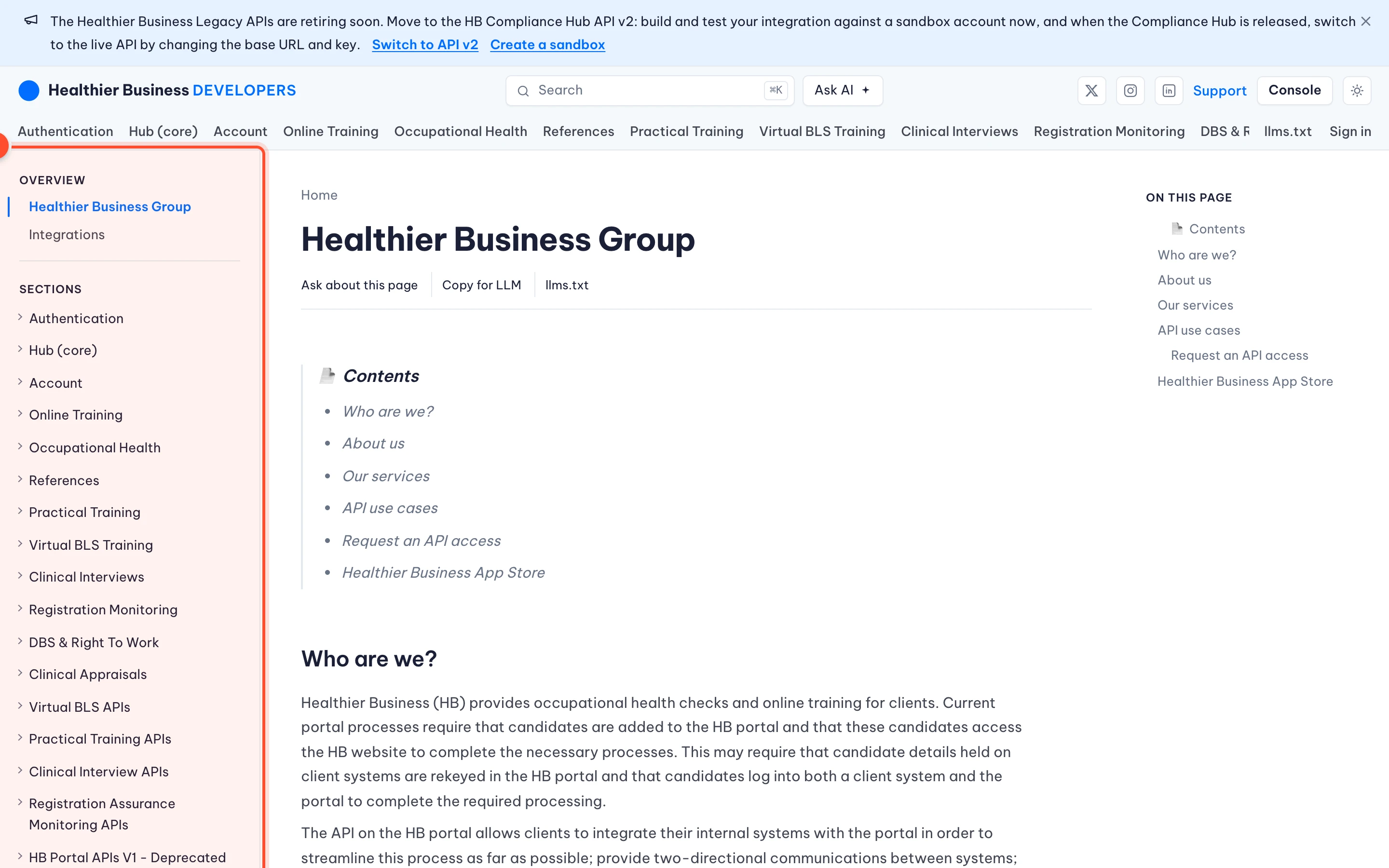
The documentation itself is organised in sections, one for each portal of the Hub, plus the legacy APIs that are being retired.
The shortest path
Create an account
Create a sandbox
A sandbox is your own private copy of the Hub API filled with made-up candidates, bookings, requests and credits. See Sandboxes.
Create a test key and exchange it for a token
Test keys start with
hbk_test_ (49 characters in all); live keys start with hbk_ (52 characters in all). You trade one for a one hour access token with POST /api/v2/auth/token. See API keys and token exchange.Make your first call
Use the API Playground in the console, or curl and Postman (Calling the API). The call appears in the request log.
Go to production
Create a production key in HB Hub, change the base URL and register your production webhook. See Go to production.
What each part of the console is for
Console page | What you do there | Guide |
|---|---|---|
Home | See your getting started checklist and account status | |
Sandboxes | Create, rename, reset and delete test copies of the API | |
API keys | Create test keys with exactly the access you need | |
Webhooks | Receive signed events at your own https address | |
Data | Look inside a sandbox, table by table, as JSON | |
Simulate | Make things that need a person or a clock happen | |
API Playground | Build and send requests, save them, get code | |
Request log | Every call to the sandbox with what came back | |
Inbox | The emails and texts the sandbox would have sent | |
Go to production | The checklist and the HB Hub connection | |
Support | Ask the team, book a paid call | |
Profile and Security | Your details, password, two-step sign-in, sessions |
Nothing in a sandbox is real
A sandbox never contacts Hub, never sends an email or a text, and never costs anything. The only thing it ever sends out is a signed webhook to an https address you registered. Test keys do not work against the live Hub, and live keys do not work in a sandbox.
How this guide is organised
Each page starts with what the screen is for, then numbered steps with annotated screenshots (the numbers in the pictures match the numbers in the text), then every option and field, the errors you can meet and how to fix them. If you are in a hurry, read Rate limits, errors and idempotency and the FAQ and troubleshooting pages; they collect what people get stuck on.
Tip
Not sure where something is? Use the search box at the top of the developer site, or open the API reference tour to learn how the reference pages are laid out.
Was this page helpful?